
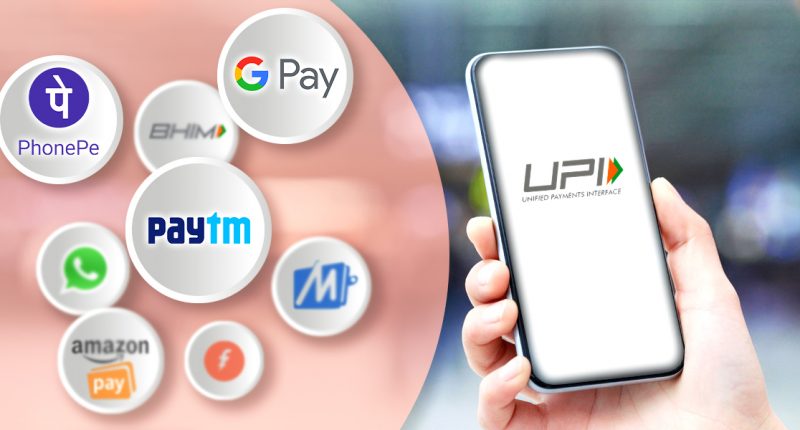
UPI
Unified Payments Interface (UPI) is a system that powers multiple bank accounts into a single mobile application (of any participating bank), merging several banking features, seamless fund routing & merchant payments into one hood. It also caters to the “Peer to Peer” collect request which can be scheduled and paid as per requirement and convenience. Each Bank provides its own UPI App for Android, Windows and iOS mobile platform(s).
UPI application is simple, easy and quick payment transactions Mobile Apps.
It can be used on all mobile devices.
The customer can make instant bank-to-bank payments and Pay and collect money using just Mobile number or Virtual Payment Address (UPI ID).
Customer can send, Request Money and can pay by scanning the QR code through Scan & Pay option.
At present the limit on app is Rs. 10000.00 per transactions limit (per transactions limits depend upon apps) and 50000.00 / per day transaction limits. Per account per day.
Process
After downloading any UPI App, Search and selecting to Bharati Sahakari Bank name from the UPI Bank list and creating a VPA/ UDI ID for UPI App, verify the account, set a PIN and transact the payments instantly. This is how UPI App works.
No matter which bank you bank with, you can make and receive secure payments instantly using just your name!
How does UPI App work?
Download the UPI Apps- Paytm UPI/ Kotakpay/Axispay/,ICICIPay/UCOPAY, from Google Play Store or Apple Store.
Select to Bharati Sahakari Bank name from the UPI Banks list in the app.
Create a VPA / UPI ID (example – yourname/mobile no.@Paytm /Kotak/ICICI/axisbank /uco)
Verify your account & set a PIN
How to send money using UPI App?
- Select your & the receiver’s UPI ID.
- Enter the amount.
- Send money by entering PIN.
How to receive money using UPI App?
- Select your & sender’s UPI ID
- Enter amount.
- Receive money when the sender approves the transaction on their app.
OR
How to get it:
- Bharati Sahakari Bank a/c
- Mobile number should be linked with Bharati Sahakari bank a/c
- Smart Phone with internet facility (First time must be mobile Data enabled)
- Debit Card for activated the UPI service and re-setting MPIN.
Service Activation:
- Download the App for UPI
- Do registration online on the App with a/c details
- Create a virtual ID
- Set MPIN
- 5-7 minutes
What is required for Transaction?
- Smartphone with internet facility (First time must be mobile Data enabled)
- Registered device only
- Use registered MPIN
- Self Service Mode
- Services Offered:
- Balance Enquiry
- Transaction History
- Send / Pay Money
- A/c no. & IFSC code
- Add bank account
- Change / Set MPIN
Funds Transfer limit:
- ₹ 10000.00 Per transactions limit (per transactions limits depend upon apps) and ₹ 50000.00 / per day transaction limits.